
Disable video autoplay on LinkedIn
LinkedIn (recently) included a feature that starts autoplaying videos on your timeline as you scroll then into view. In case you were wondering (as I was) how to prevent those annoying videos of/posted by Brett-you-know-who from autoplaying on your LinkedIn time line - wonder no more …

From your feed …
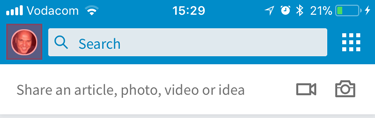
You will need to navigate to your profile to access your settings (lame, I know) - click on your profile pic to get there …
From your profile …
Next you need to access your settings (gear icon - top left) …

From your settings …
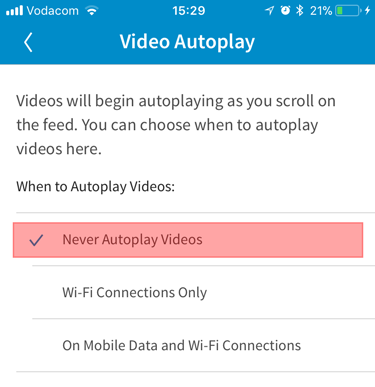
Locate the menu item that reads "Video Autoplay" …

From Video Autoplay …
Disable (or, at least, don't let Brett eat your mobile datas - you can restrict it to wifi only) …
We're done here!
I don't know why LinkedIn took the plunge down this pit, following Twitter and Facebook down the path of despicable UX practice - at least it's not that difficult to figure out how to turn it off (I recall that Facebook and Twitter settings were a bit more of a pain) … hasta la vista Brett!